
The short version
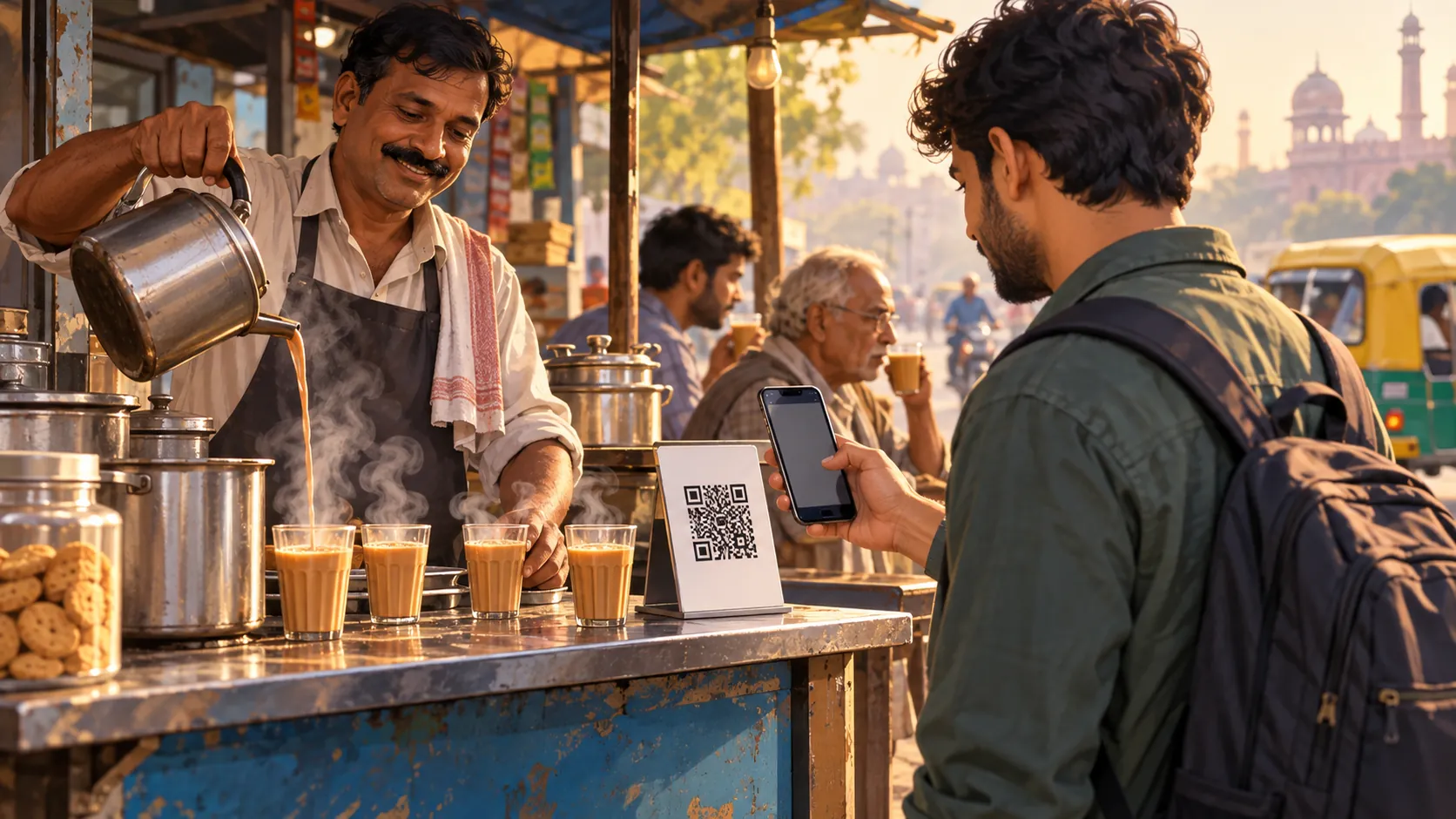
UPI stands for Unified Payments Interface. It is a system run by the National Payments Corporation of India that lets people send money from a bank account through a phone app. You will see its QR codes at tea stalls, vegetable carts, shops and taxi stands. Many Indians use it for almost everything, from a cup of chai to a hotel bill.
For a visitor, UPI is a way to see how daily life works. It is not the only way to pay, and you do not have to use it.
How a UPI payment works
The shopkeeper shows a QR code. The customer opens a UPI app, scans the code, enters an amount and confirms with a PIN. The money moves from the customer's bank account to the shop's account within seconds. Both sides usually get a confirmation message.
Because the payment goes from account to account, there is no card to swipe. That is why even small stalls can take it.
Why this matters for a visitor
UPI normally needs an Indian bank account and a mobile number linked to it. A foreign visitor usually has neither, so a normal UPI app is often not available to you.
The National Payments Corporation of India has a wallet product for inbound travellers called UPI One World. Another ZikPe Journal guide explains it. Cards and cash still work in many places.
What you will see on the street
Small shops often show a QR code and a name on a screen. Always check that the name on the app matches the shop before you pay. Some shops also have a small speaker that announces each payment.
If a shop only takes UPI and you cannot use it, ask politely whether they take cash. Most will, or they will point you to a nearby ATM.
Common sense around QR codes
Only scan a QR code printed at the shop's counter. Do not scan codes someone sends you in a message or sticks over another one. Never enter a PIN to receive money, since a PIN is only used to send money.
If something feels odd, pay with cash or a card instead. A small delay is better than a mistake.
Who UPI is not for
Visitors staying a short time may find the setup effort is not worth it. A mix of card and cash is simple and works almost everywhere in cities. In smaller towns, cash is still common.
Plan for both, and keep some small notes ready for tea, snacks and rides.
How to think about it
UPI is part of how modern India pays, and learning a little about it helps you read the street. You do not need to use it to enjoy a trip.
Ask a shopkeeper or hotel host if you are curious. Many are happy to explain how it works.
A few words you will hear
Shopkeepers may say 'scan' or 'QR' and point at a printed card. Some will ask 'UPI?' as a quick way of asking how you plan to pay. Learning these small phrases makes shopping easier and friendlier.
If you hear 'cash only', it simply means the shop does not take digital payments that day. A network issue can also stop a payment, so a second option is always helpful.
What UPI does not do
UPI is not a card, and it is not a tourist pass. It does not work without a linked bank account or a provider that supports your situation. It is also not a way to pay in a foreign currency.
Think of it as a local habit you can watch and learn from, even if you pay another way. Many visitors enjoy seeing how smoothly it works at a busy market.
Where UPI shows up on a trip
Expect it at chai stalls, fruit sellers, auto-rickshaw stands, small cafes and neighbourhood shops. Larger hotels and restaurants usually take cards as well. Temples, museums and some monuments may have their own ticketing, so check the counter.
Carry a little cash for places that do not show a QR code. Ask your hotel which nearby places prefer cash.
A ZikPe note
Check ZikPe's official product information, eligibility and current terms before relying on it for a trip. Keep another payment method available and confirm that the merchant accepts the method you intend to use.
Find out more about ZikPe
Explore ZikPe on its official website. Check the current product information and terms there before choosing a payment service for your trip.
Explore the ZikPe app ↗