
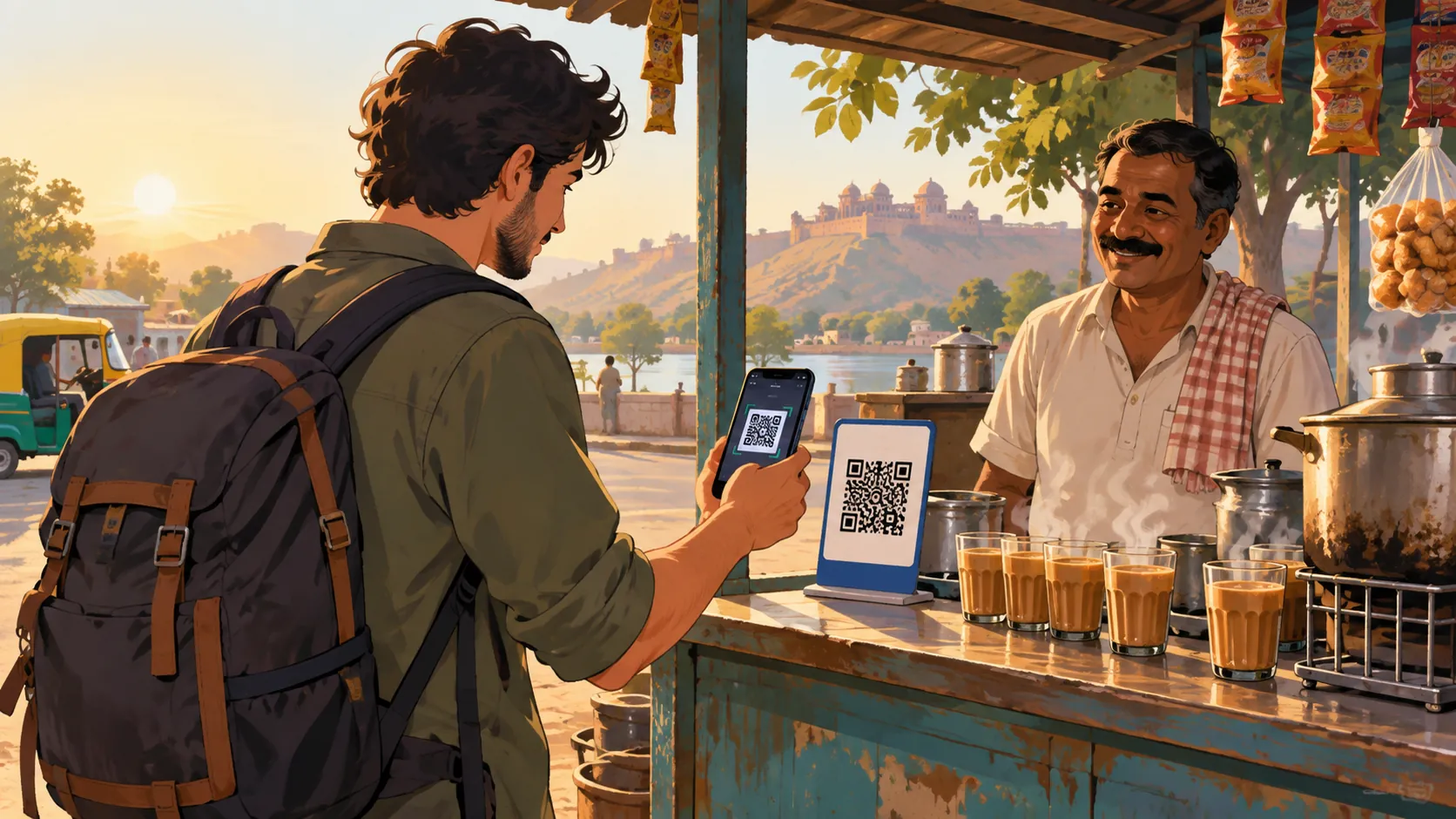
The idea in one line
A UPI-linked wallet holds money you have loaded in advance. When you scan a shop's QR code, the app takes the amount from that balance and sends it to the shop. You do not need cash, and you do not hand a card to anyone. It is the same QR system many people in India use, with a prepaid balance behind it.
Step one: sign up
You download the provider's app from an official store and create an account. Providers usually ask for identity details, often a passport and visa for visitors, and sometimes a photo. This step can take a little while, so do it before you travel if you can. Read the terms on who can sign up, since rules differ between providers.
Step two: load money
You add money by a method the provider accepts, such as a card or a bank transfer. Check the fees, the minimum and maximum amounts and whether the balance expires. Load only what you expect to spend. Many travellers start with a modest amount and top up later.
Step three: scan and pay
At a shop, open the app and scan the printed QR code. The screen shows the shop's name. Check it, type the amount, confirm with your passcode and wait for a confirmation. The shopkeeper usually gets a message or a spoken alert. Keep your screen on until you see the confirmation.
Step four: keep an eye on things
The app lists every payment. Look at it each evening, so you notice any mistake early. If a payment fails but the money leaves your balance, keep a screenshot and contact the provider's support. Most failed payments are reversed, but it can take a little time.
What it cannot do
A wallet is meant for paying merchants. It is not a bank account, it does not earn interest and some shops may not accept it. Cash or a card still matter in smaller places, so carry a backup. Knowing the limits keeps your plan realistic.
Getting unused money back
The National Payments Corporation of India says UPI One World allows unused balance to be transferred back to the original payment source. Other providers have their own rules and timelines. Check how and when you can withdraw before you load much money, and keep your receipts.
Staying safe
Use only official apps, keep your passcode private and never share one-time codes. Ignore messages that ask you to pay a fee to unlock a wallet or claim a refund. Only scan QR codes at a counter you can see. If something feels wrong, stop and contact the provider through its official page.
A sample first day
You wake up, check your balance and head out. A morning chai is paid by scanning the stall's code. A taxi ride is cash, lunch is a card and an afternoon snack is another scan. By evening, you review the list in your app and top up if needed. It feels more natural by the second day.
Questions to ask your provider
How long does verification take? What are the limits? What happens if a payment fails? How do I contact support from abroad? How and when can I get unused money back? Write the answers in a note so you can find them quickly later.
Common mistakes
Visitors sometimes load too much, forget their passcode, scan a code that is not at a counter or skip the confirmation screen. Each is easy to avoid with a small routine. Slow down for a second at every payment.
A ZikPe note
Check ZikPe's official product information, eligibility and current terms before relying on it for a trip. Keep another payment method available and confirm that the merchant accepts the method you intend to use.
ZikPe's published flow, without invented screens
For ZikPe specifically, the official guide describes signup using passport and visa, a top-up using an international Visa or Mastercard, a rupee-and-fee preview, then QR payment. This is a summary of the provider's published process, not a hands-on certification of the current interface. Check the merchant name and amount before approving a payment, and keep a backup for network, verification or acceptance problems.
Transaction refunds and unused balance are different
ZikPe's refund policy discusses failed or returned transactions separately from account deactivation. It says card-statement processing may take four to seven business days and also includes restrictions on the use or withdrawal of refund amounts. Those statements should not be turned into a blanket promise that every merchant refund returns instantly to your card. Keep the transaction reference and ask official support which route applies to the actual case.
Deactivation and deletion are not the same request
The refund policy gives Profile > Settings > Deactivate Account as the deactivation route, states processing within twenty-four to forty-eight hours and says remaining balances go to original source accounts after pending transactions are completed. The separate account-deletion page describes deletion or anonymisation within thirty days after verification, with some KYC and transaction records retained under law. Confirm the treatment and timing of your balance before leaving India. Neither deletion nor deactivation should be used as a guessed shortcut around an unresolved refund.
Use the provider's current support channel
The published terms give support@zikpe.com for service grievances and account closure requests. Use the address reached through the official site, keep the issue and transaction details concise, and never share an OTP or PIN. A customer-service address does not establish a guaranteed response time or outcome. If the published refund wording seems inconsistent for your case, get an account-specific explanation before relying on a withdrawal date.
Choose the ZikPe product for your category
ZikPe is available for foreigners, NRIs and Indians. Its official site separates the tourist/NRI prepaid wallet from UPI and card services for Indians and from employer benefit wallets. Choose the product and verification route that match you rather than assuming one onboarding form covers every category. Specific document, age and transaction conditions should be checked in the current app and terms.
Amazon, Uber, delivery apps and hotels: use the supported payment option
ZikPe supports payments for Amazon, Uber and delivery apps. Choose the payment option available in the particular app and confirm the amount and payee before approving. This guide does not invent a button-by-button flow or claim that every unmentioned delivery service has the same integration. For hotels, confirm that the property accepts the relevant UPI or other ZikPe payment method for that bill. A payment product's support does not remove a merchant's acceptance conditions or make a booking deposit refundable.
Find out more about ZikPe
Explore ZikPe on its official website. Check the current product information and terms there before choosing a payment service for your trip.
Explore the ZikPe app ↗Sources and checks
Independently researched and updated 26 October 2026. Current access, weather, prices and opening arrangements must be checked before travel.