Start with the basics
UPI One World is a prepaid wallet linked to UPI, described by the National Payments Corporation of India for inbound travellers. NPCI says it lets foreign visitors pay at UPI merchants without an Indian SIM or bank account.
It is not a bank account and not a credit line. You load money first and then spend it.
Treat it as one tool alongside a card and a little cash.
What to prepare
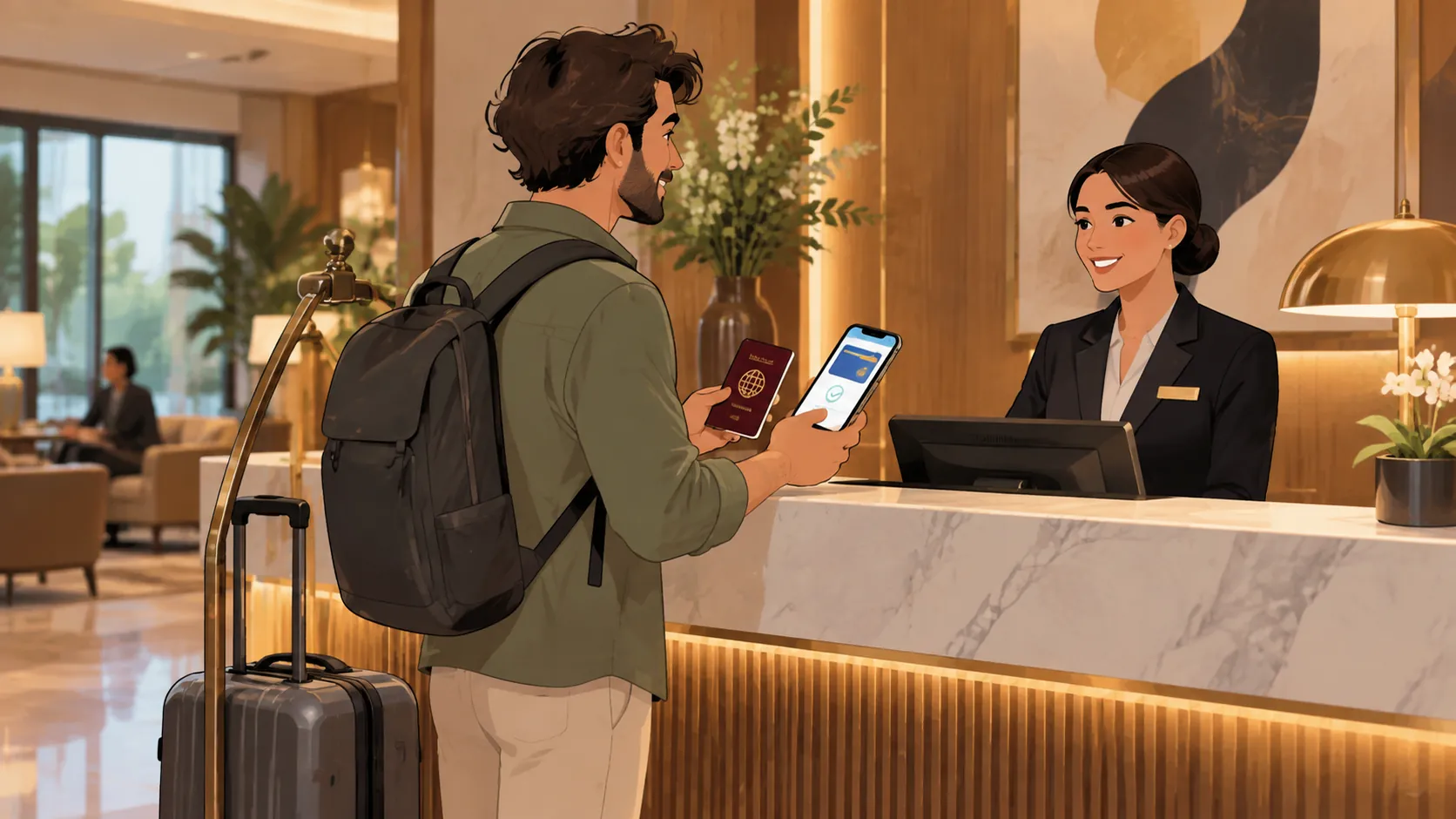
Keep your passport, visa details and a working phone ready. Check the provider's page for accepted countries and identity checks. Make sure you have a payment source that can load the wallet.
Read the terms on fees, limits and expiry.
Do the sign-up before you travel if the provider allows it, so you are not solving it at the airport.
What to ask the provider
How long does verification take? What are the loading and spending limits? How do I withdraw unused balance and how long does it take? Who do I contact if a payment fails?
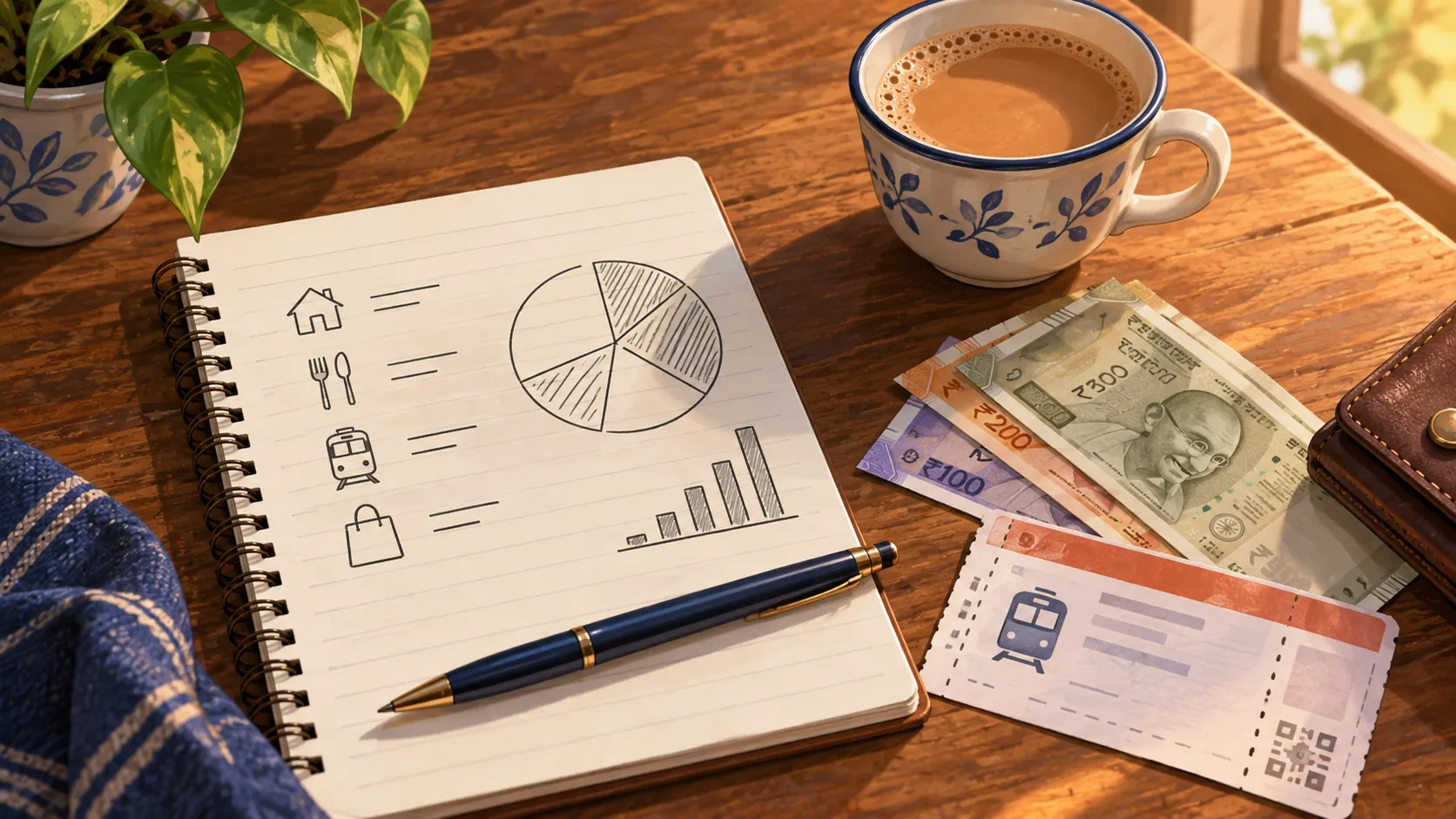
Write down the answers in your notes.
A clear answer is a good sign. Vague answers are a reason to pick another option.
Using it on the street
Scan the shop's QR code, check the merchant name and amount, and confirm. Keep the confirmation screen until you are sure the shop has received the payment.
If a shop does not take it or the network is down, switch to a card or cash.
Do not scan QR codes sent to you in messages.
Staying safe
Download apps only from official stores and the provider's own links. Keep codes and passcodes private. Be suspicious of messages asking you to pay to unlock a wallet or to claim a refund.
Contact the provider directly through its official channels if something looks wrong.
Check the transaction list each evening.
Before you rely on it
Rules, providers and eligible countries have changed since the service was announced. Check the current NPCI and provider pages close to your travel date.
This guide is general information, not financial advice.
A short check now prevents a long delay later.
A first-day routine
On your first day, open the app, check that your balance shows and make one small purchase to test it, such as a tea. Check the confirmation, then try one more. This builds confidence.
If the test fails, you have lost very little and have time to switch to another method.
What not to expect
The wallet is meant for paying merchants. It is not designed for sending money to friends or for everything you may do in a normal bank app. Some places will still prefer cash or cards.
Knowing this keeps your plan realistic.
If something goes wrong
If a payment fails or is charged twice, keep the screenshot, note the merchant and time and contact the provider through its official support. Do not pay a stranger who offers to fix it.
Switch to another method for the moment, and follow up when you are settled.
A ZikPe note
Check ZikPe's official product information, eligibility and current terms before relying on it for a trip. Keep another payment method available and confirm that the merchant accepts the method you intend to use.
Find out more about ZikPe
Explore ZikPe on its official website. Check the current product information and terms there before choosing a payment service for your trip.
Explore the ZikPe app ↗